

A mobile app for an accounting office, a client panel for cases, documents and KSeF.
The EBR platform functionality dressed in the Wyrzykowscy brand language: deep navy, warm gold and serif headings. Sixteen screens, from login and dashboard to KSeF, HR and training. No shadows, no tables, just cards, air and light.
Project case study: a mobile app for an accounting office (iOS and Android), designed for Kancelaria Wyrzykowscy. Sixteen screens cover the full client service cycle: sending documents, cases and chat with the office, KSeF e-invoices, HR and payments. We can build a similar app, a client panel with access to cases and documents, for an accounting office or a tax advisory firm.
Visual language
Headings · brand voice
Body text and interface
Confirm sending the full set of December documents to the office.
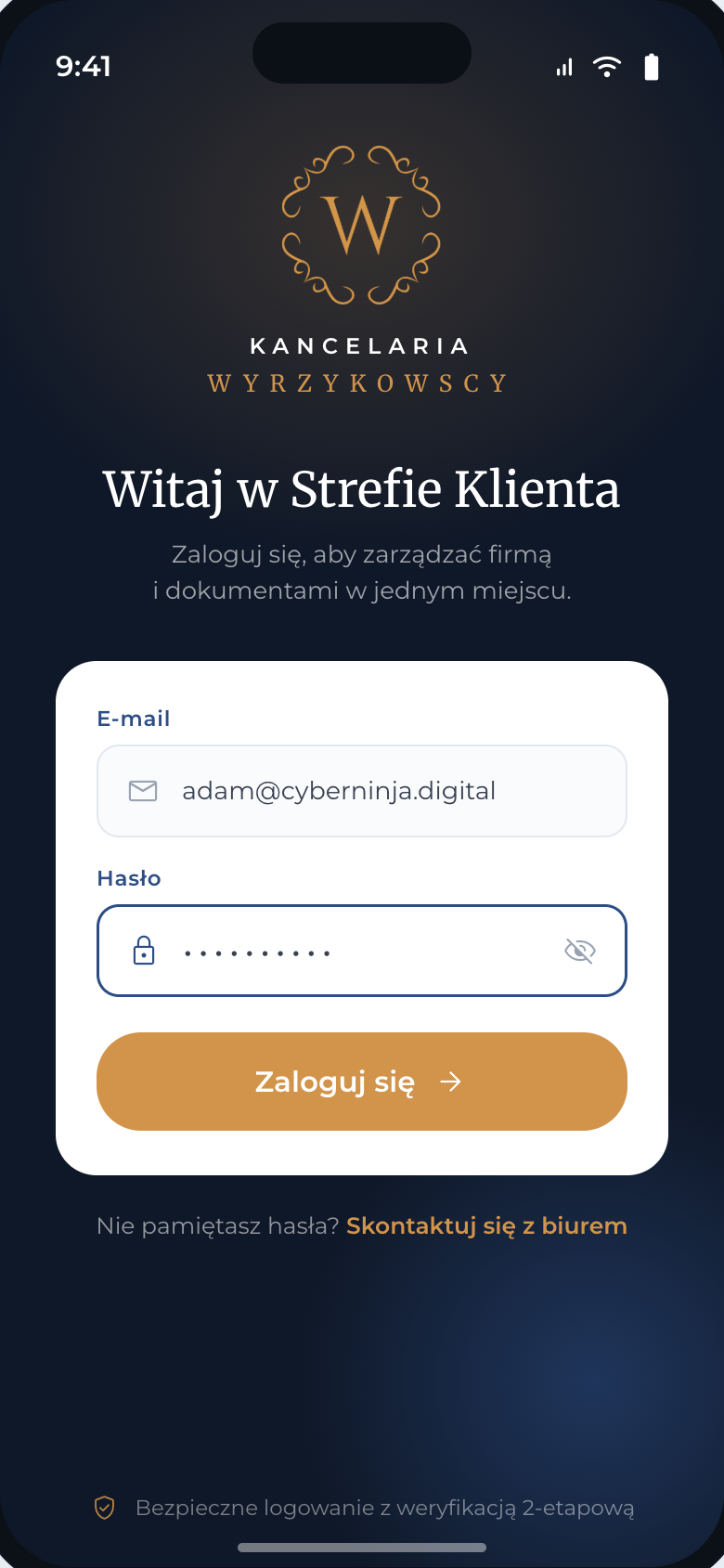
Login
A navy welcome screen with the brand logo, credentials on a white card and a gold sign-in button.
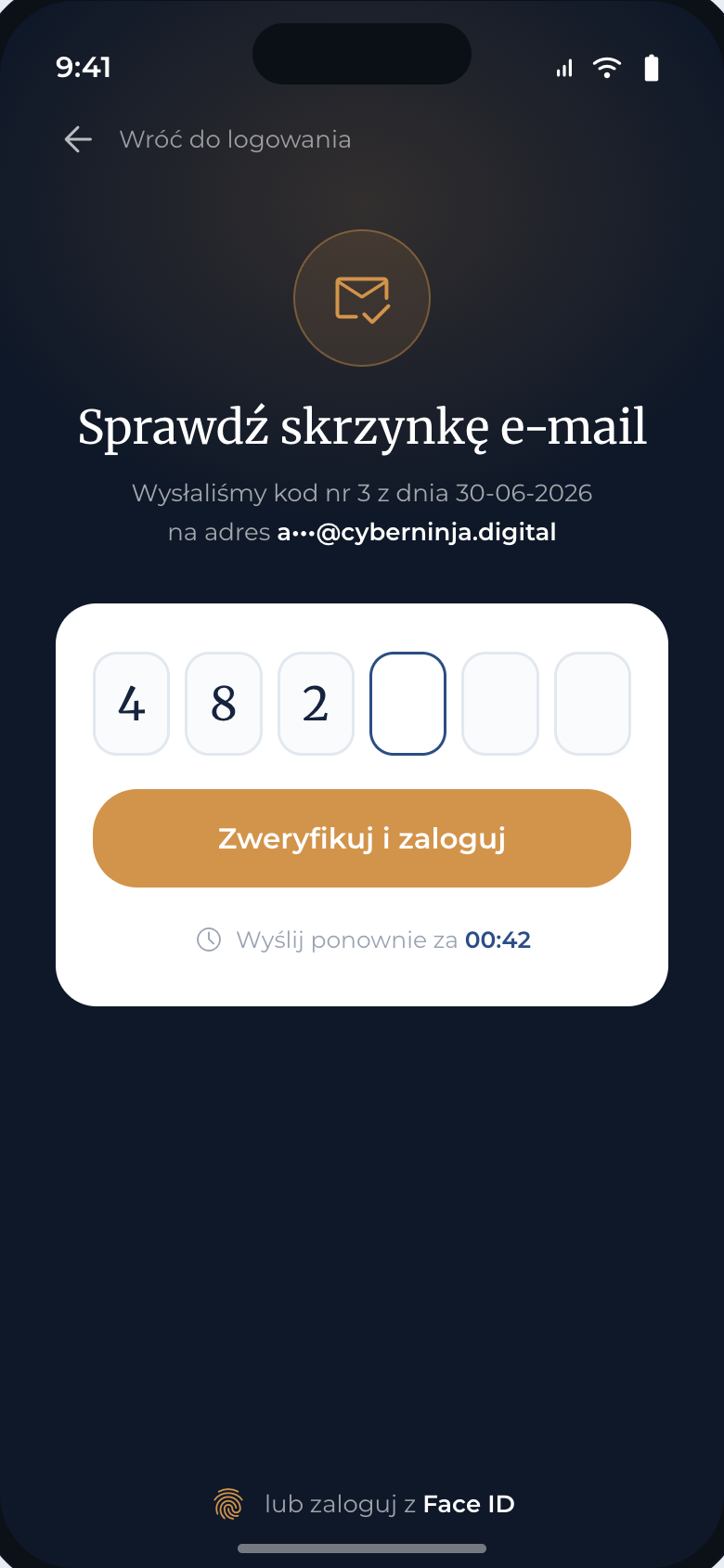
Two-step verification
A six digit code from e-mail, a resend countdown and a shortcut to biometric login.
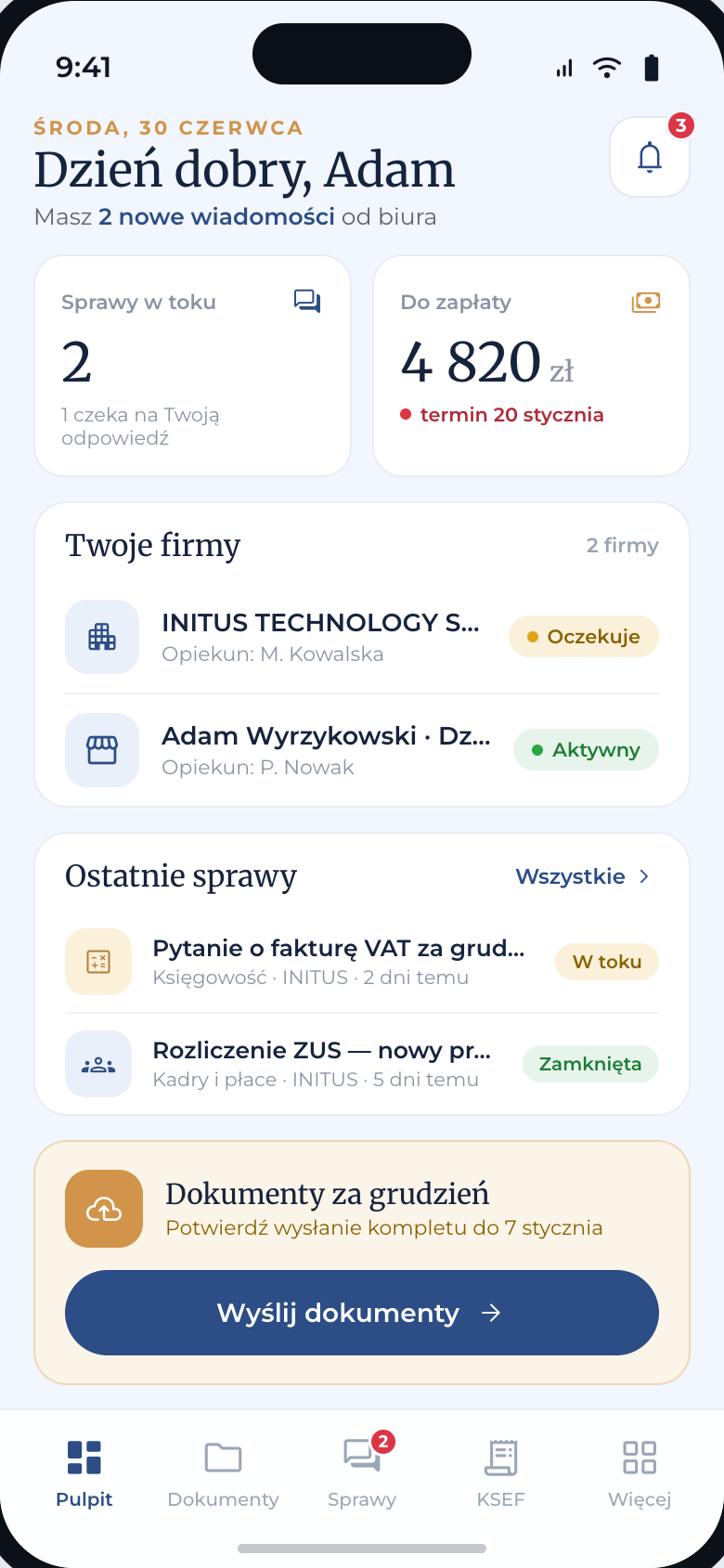
Dashboard
An overview of companies, cases and payments. A serif greeting, metric tiles and a card calling to send documents. Bottom bar with five tabs.
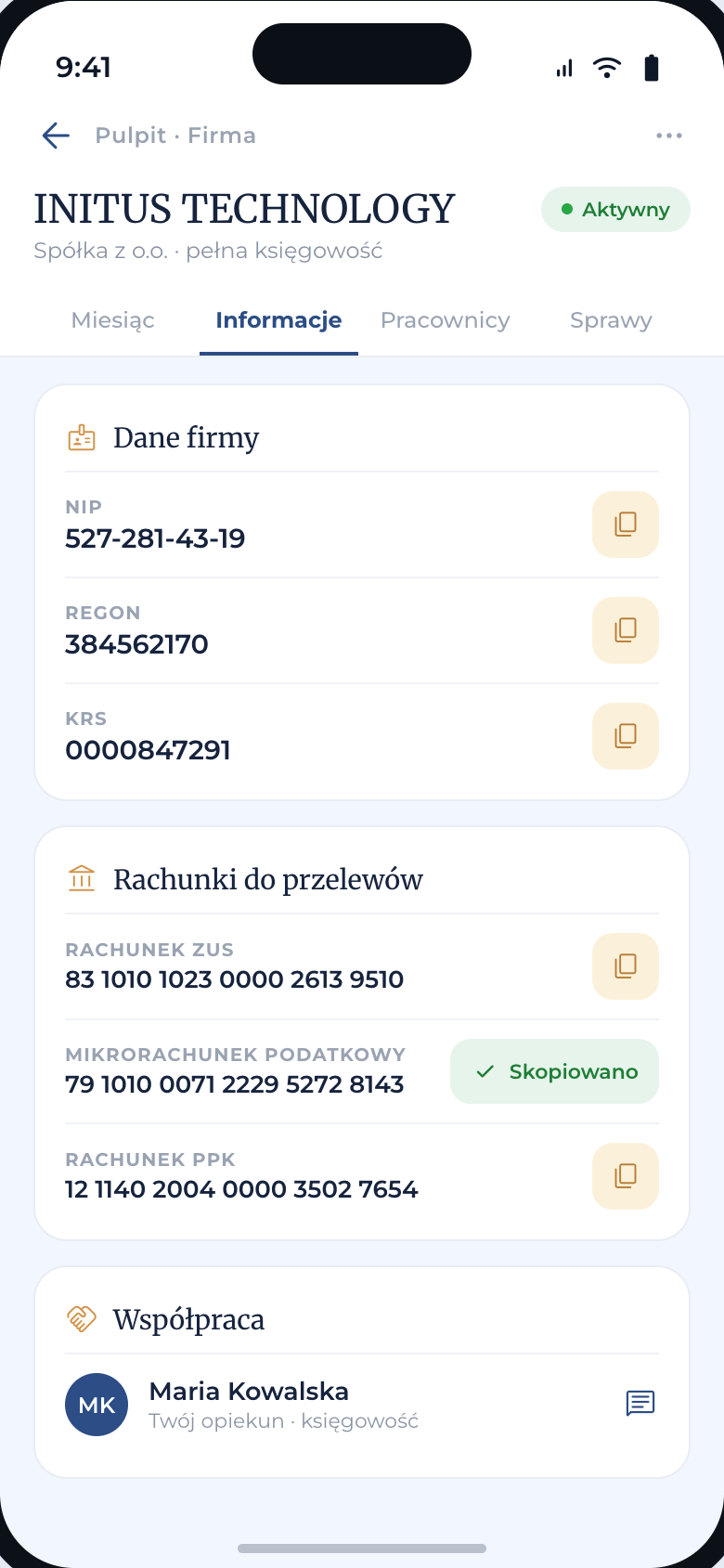
Company card · Details
Segments Month / Details / Employees / Cases. ZUS, micro-account and PPK account numbers copied with one tap.
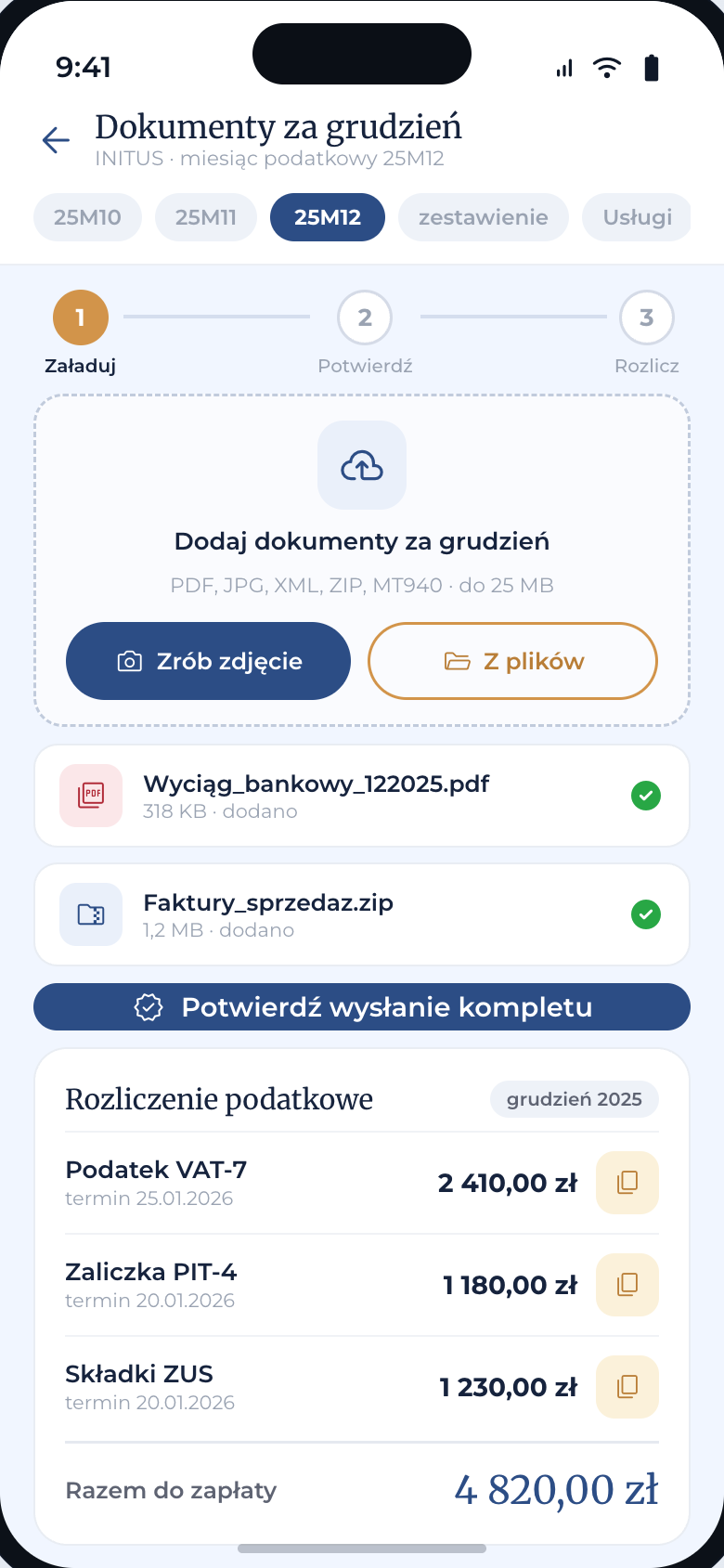
Sending documents
Month picker, a stepper upload → confirm → settle, a file drop zone and taxes due with the account number ready to copy.
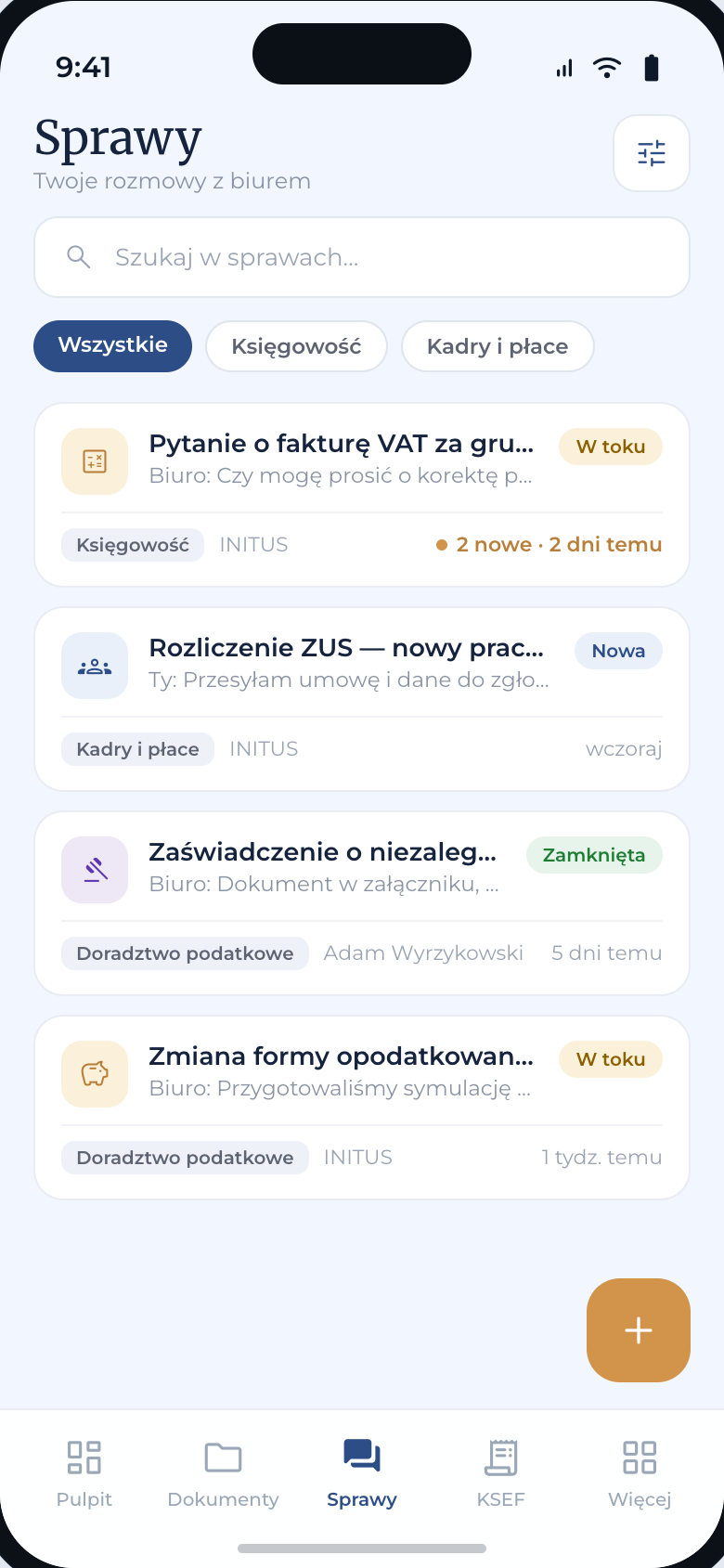
Case list
Tickets to the office as cards: subject, message preview, status and category. Category filter in chips, a FAB for a new case.
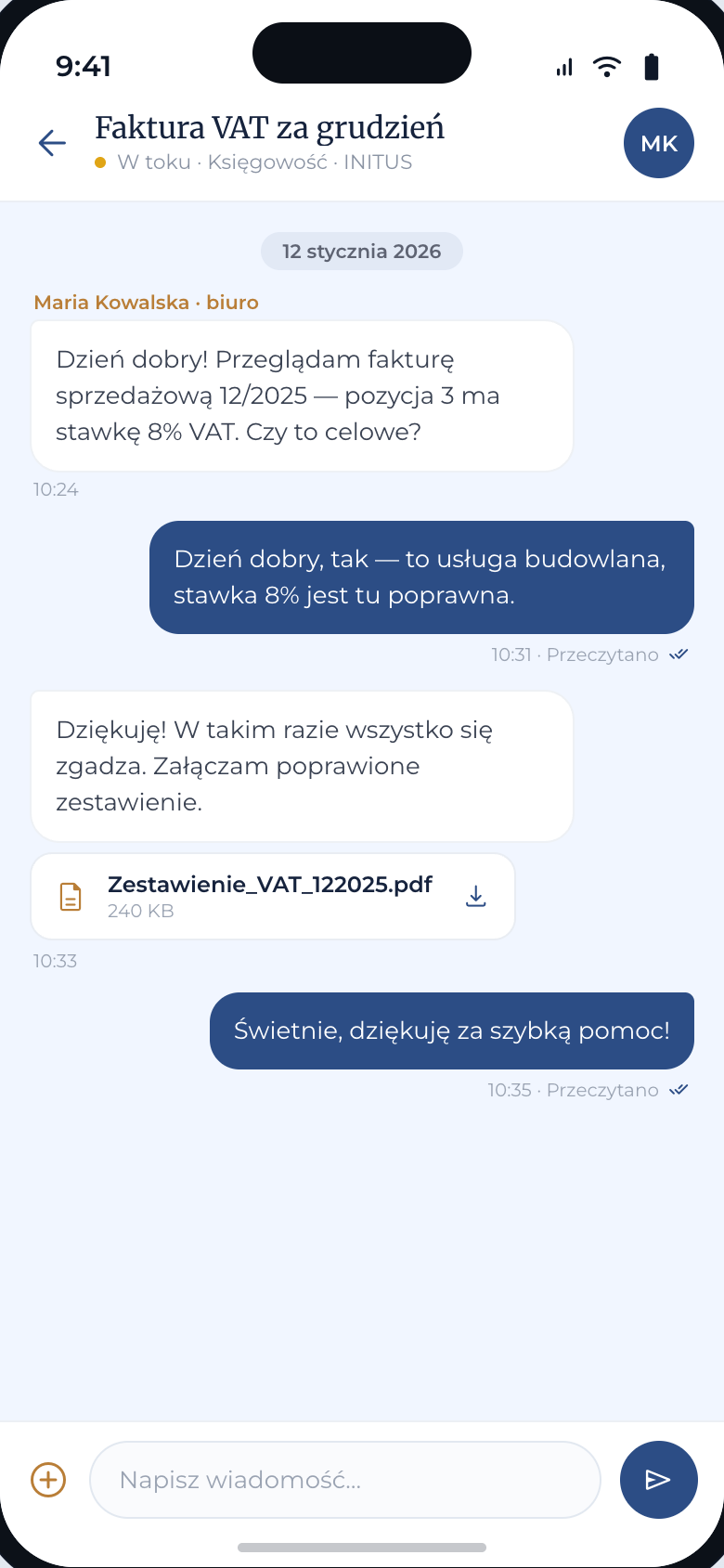
Case thread
Chat with the office: incoming bubbles white, outgoing navy, attachments in gold, a composer with camera and send.
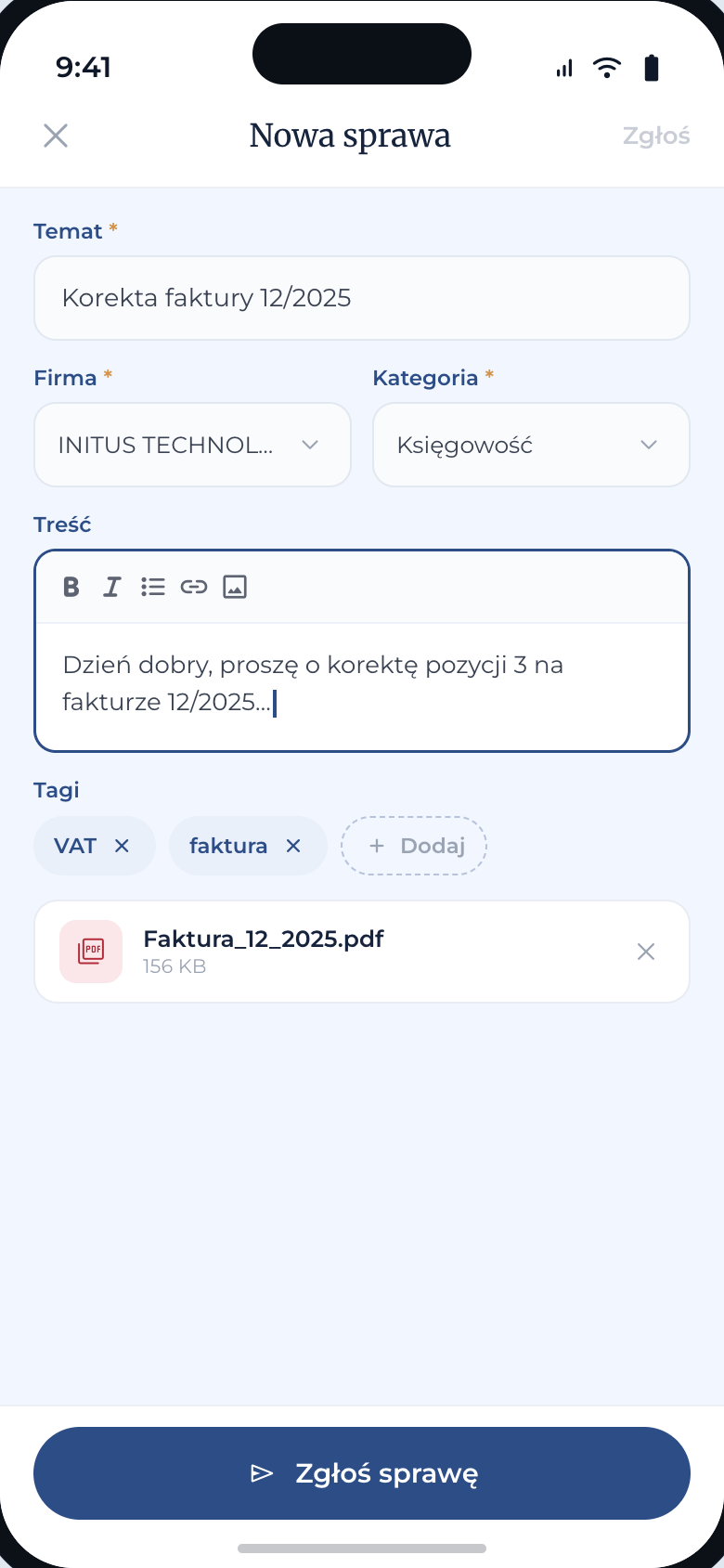
New case
Submission form: subject, company, category, body with simple formatting, tags and attachments.
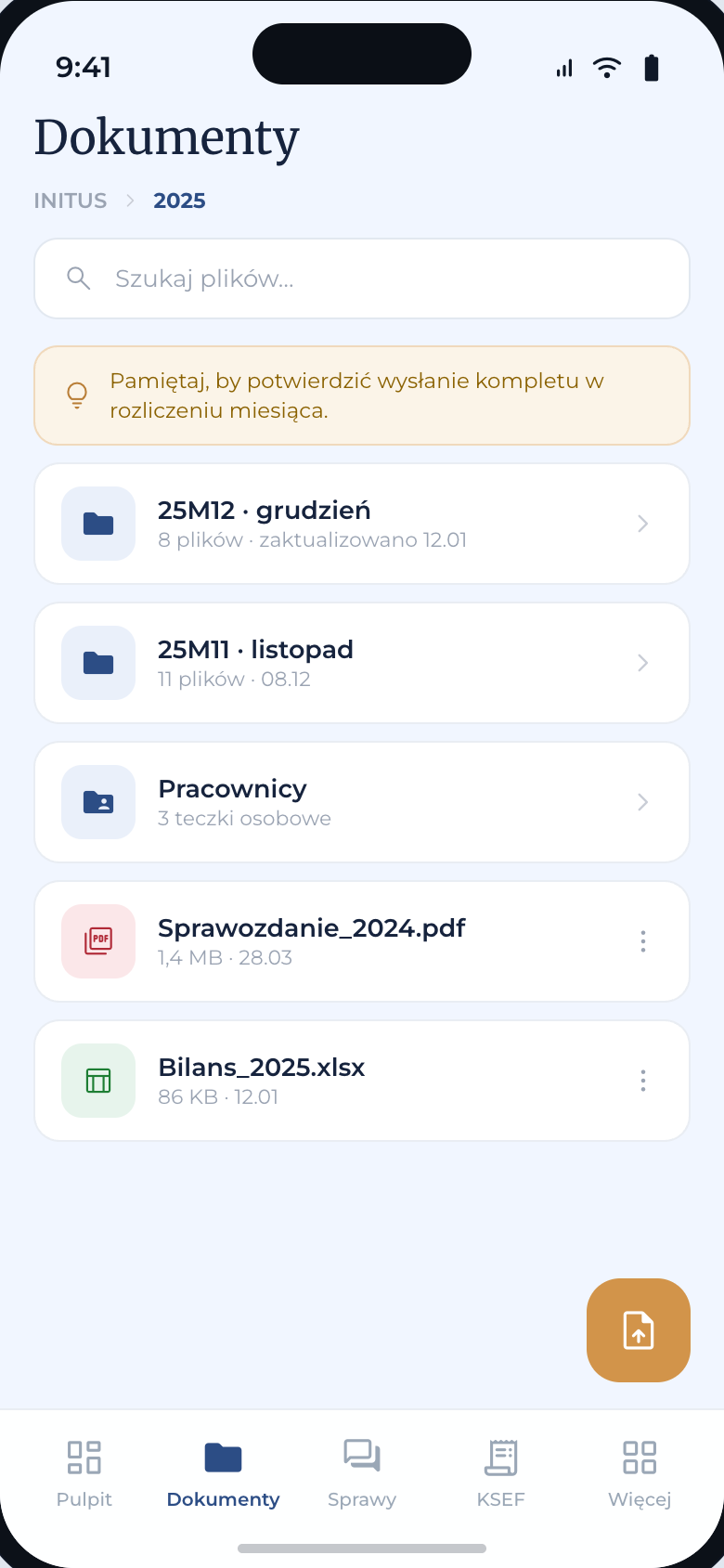
Documents
A file manager as cards: company, month and employee folders, files by type. Path shown in breadcrumbs.
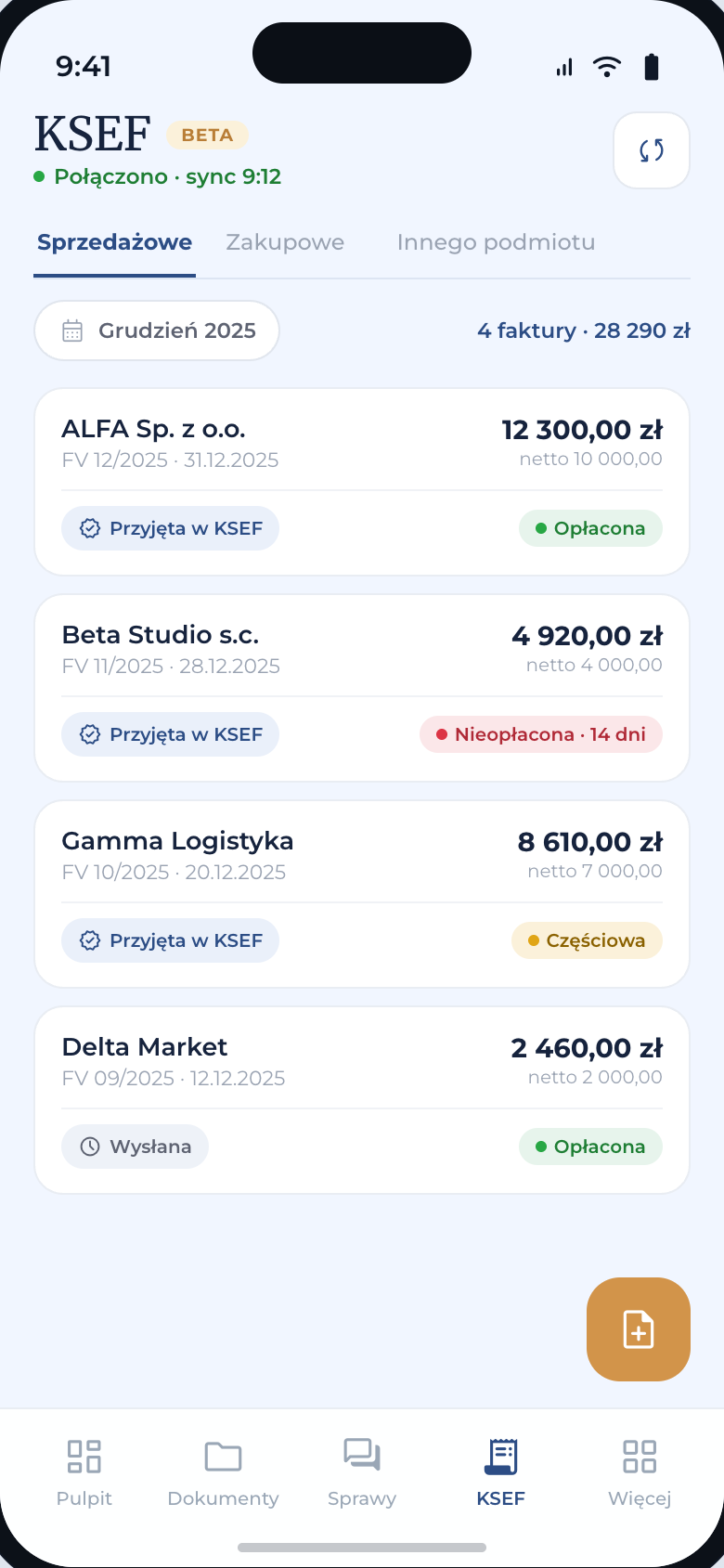
KSEF
Invoices as cards: buyer, number, gross amount, KSEF status and payment status by color. Sales / purchase tabs.
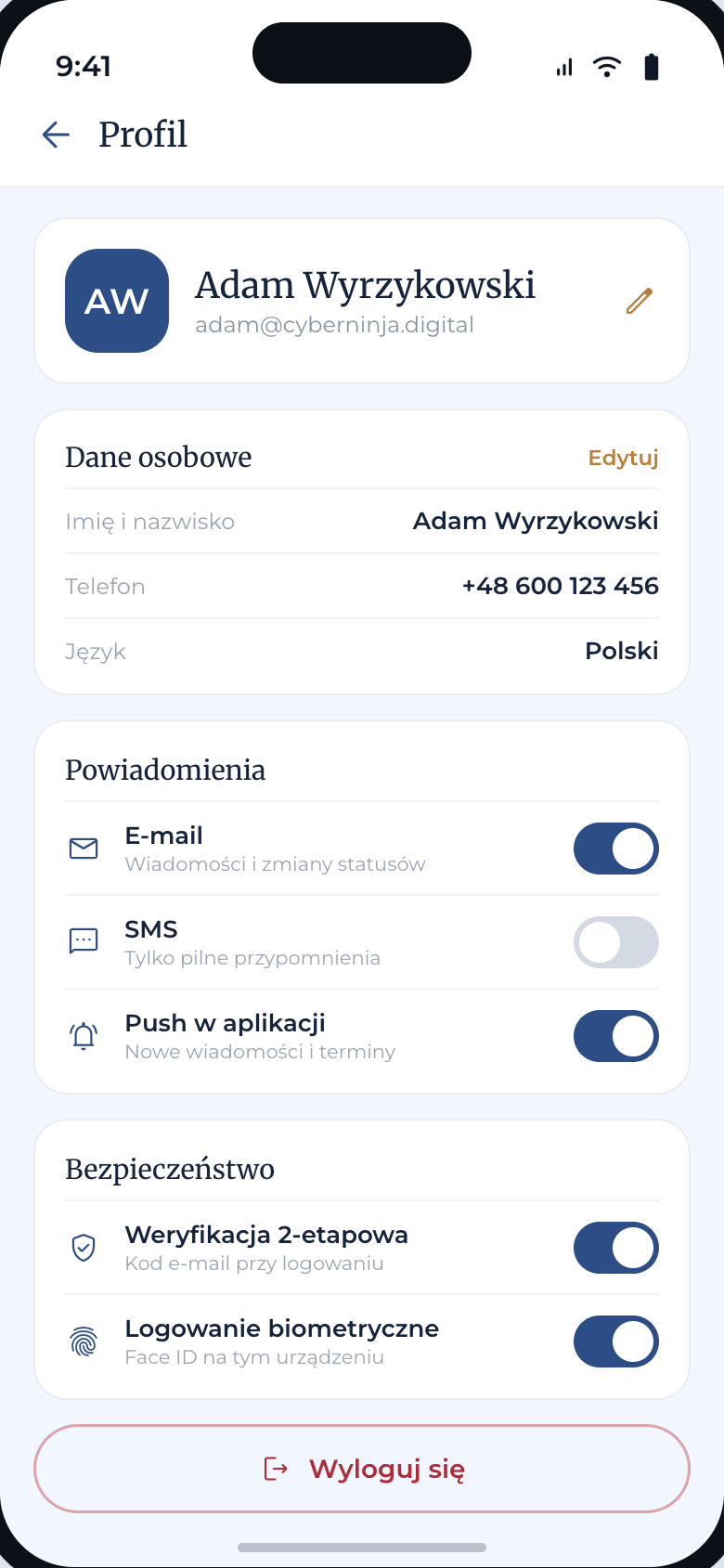
Profile
Personal details, notification channels E-mail / SMS / push and security switches: 2FA and biometrics.
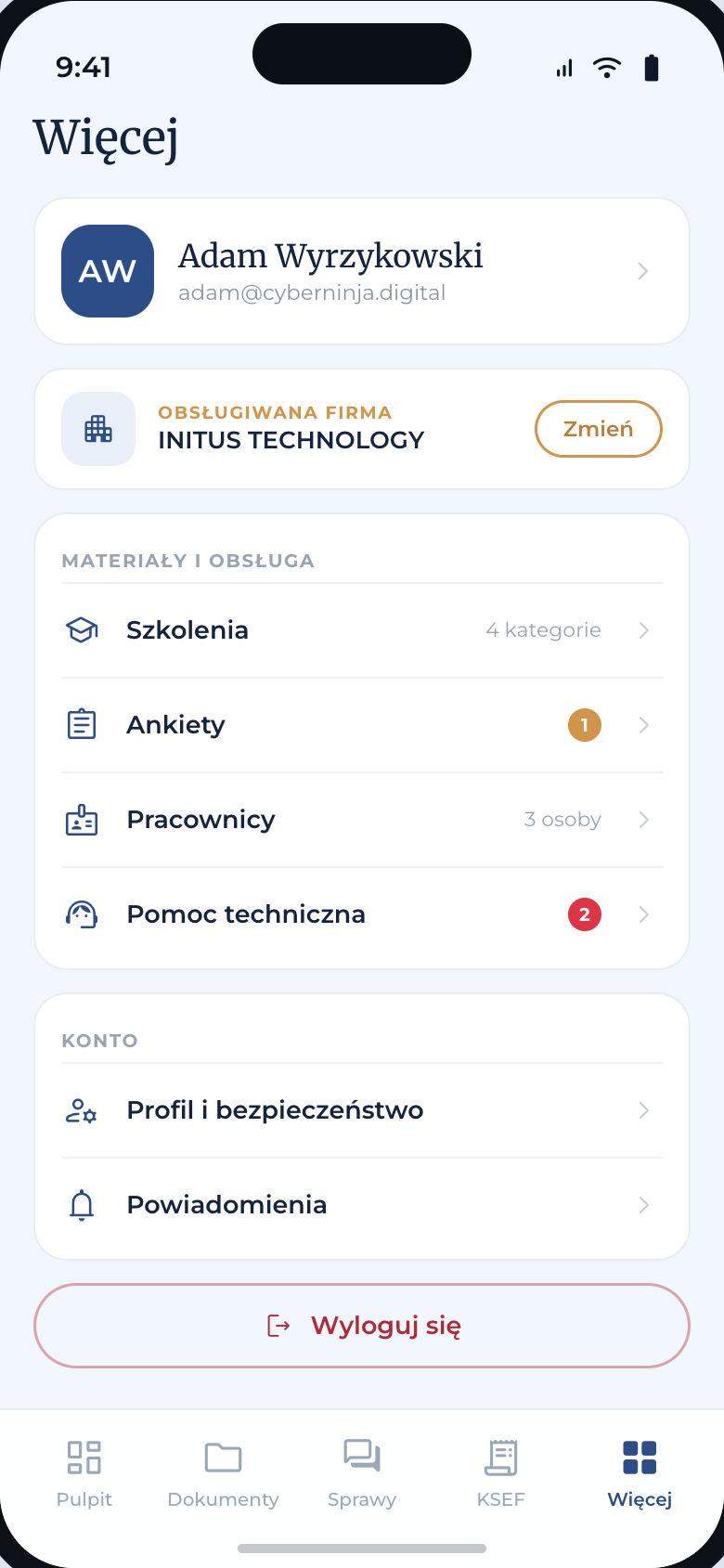
More
The fifth tab: company switcher, materials and office services (Training, Surveys, Employees, Technical support) plus the account.
Employees
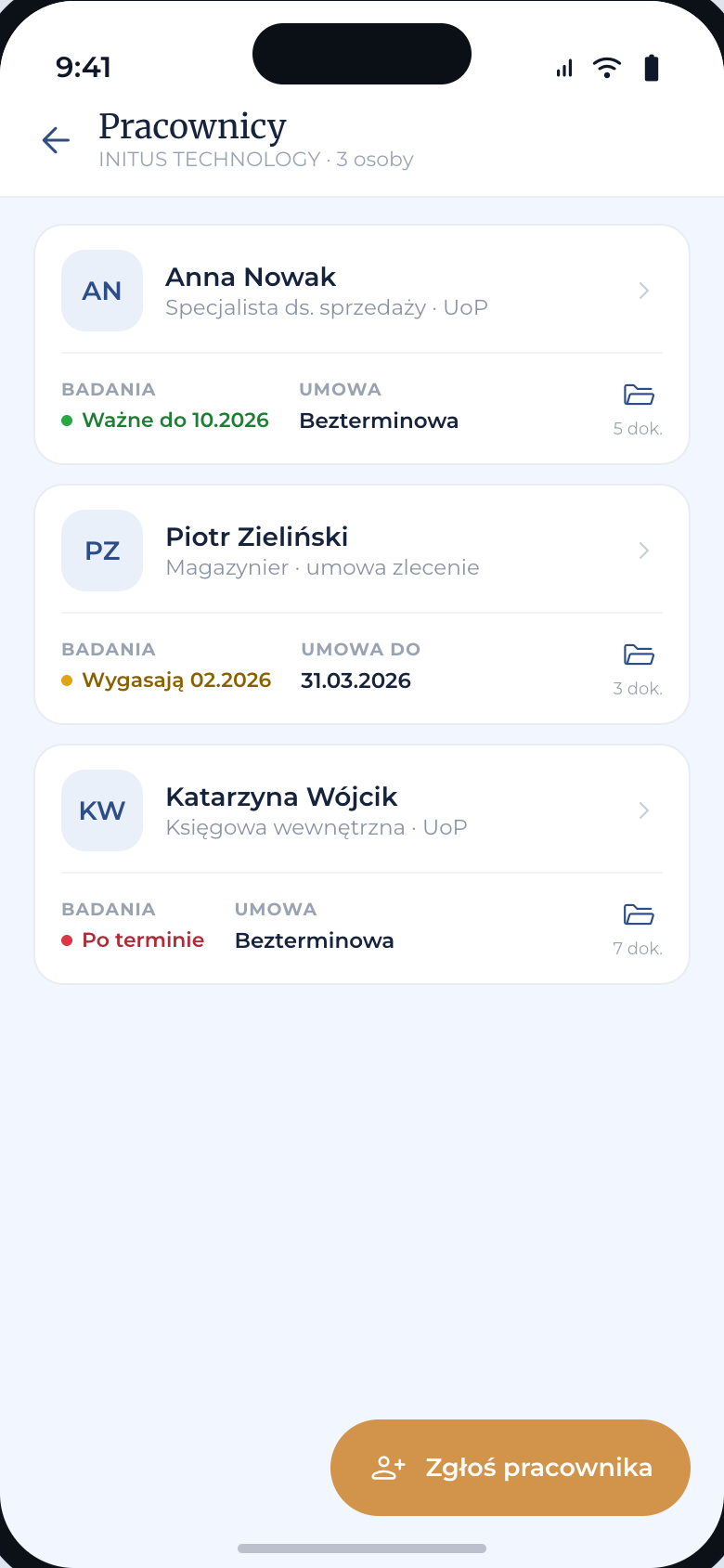
A list of company employees with medical exam and contract end dates as colored statuses. FAB “Report an employee”.
Technical support
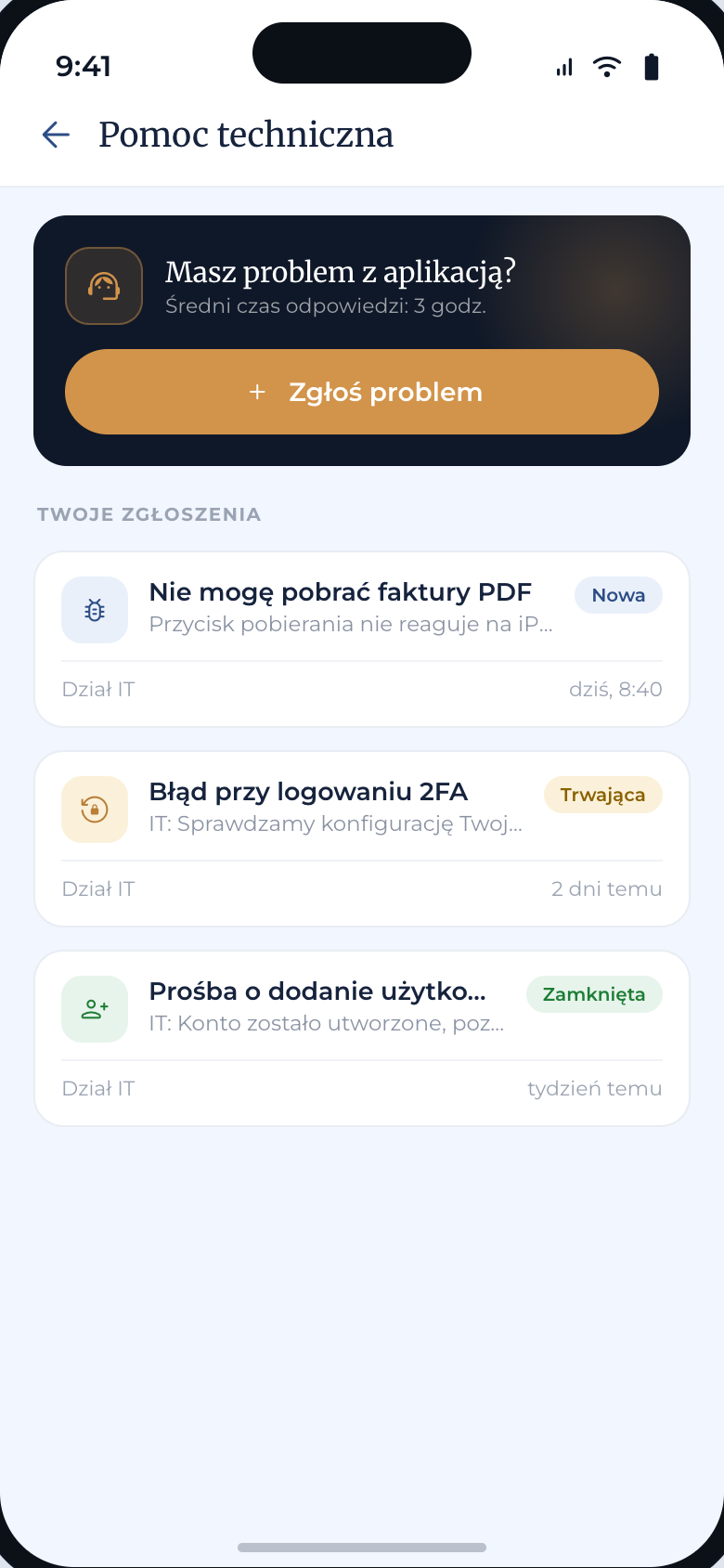
App helpdesk: tickets to the IT team with statuses New / In progress / Closed and a card with the response time.
Surveys
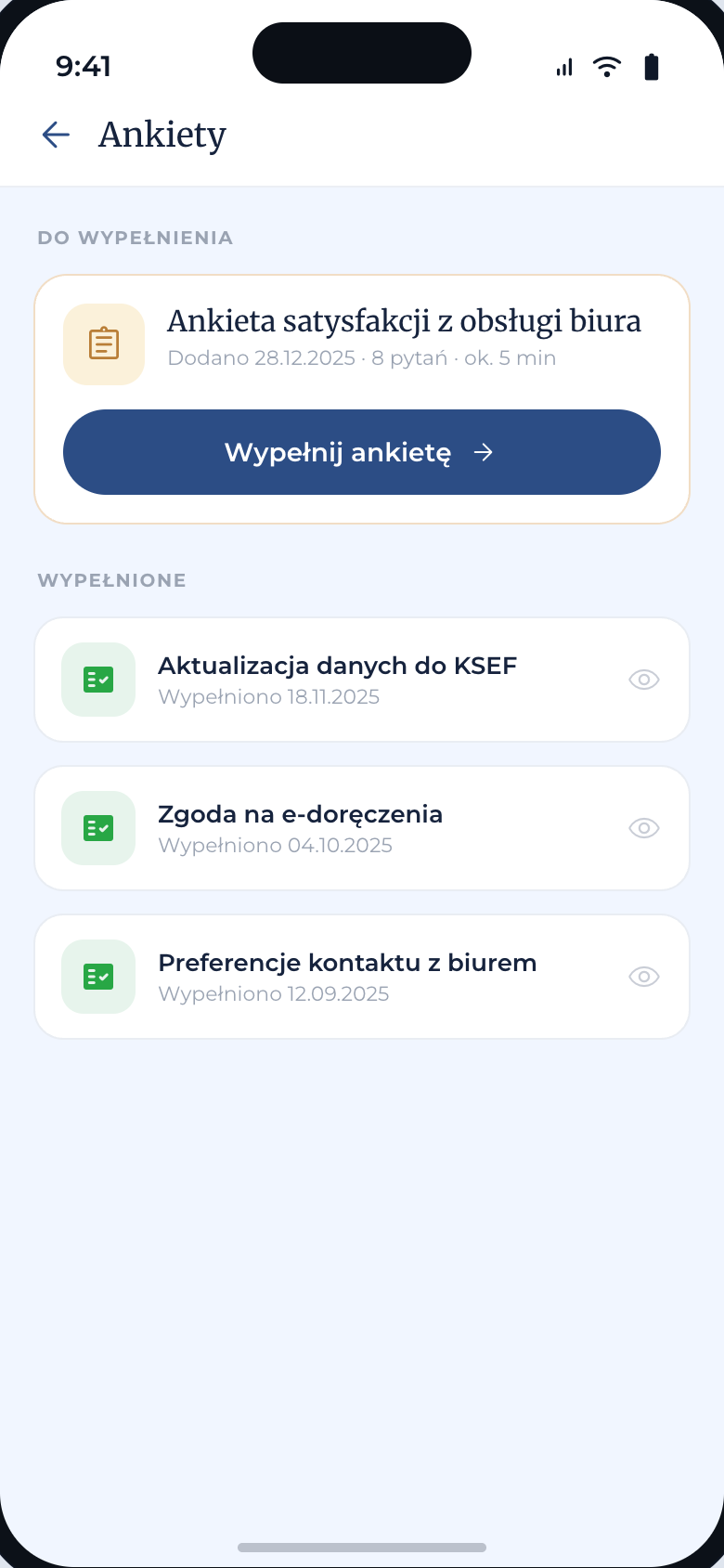
Surveys from the office: the active one with a call to fill it in and the time it takes, completed ones marked with a date and a green check.
Training
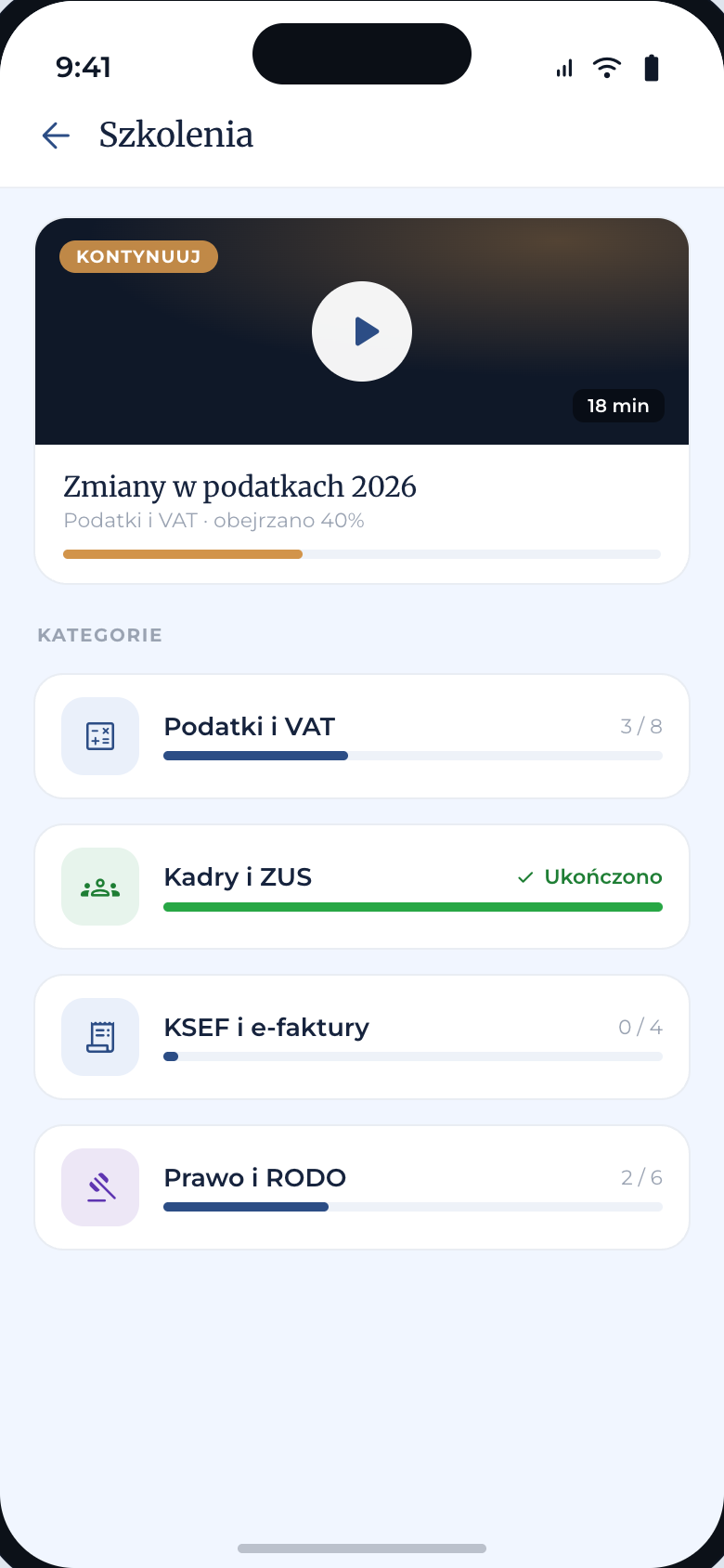
Video materials from the office: a “continue watching” card with a progress bar and categories with a counter of watched items.
We do this work as a service
The project on this page was not a one-off: it is a service we run. The service page covers scope, prices and timelines.